Guide Hive Banner
Tab Management
Speed Optimization
Secure Cookies
Password Vault
DNS Resolution
Rendering Engine
Extensions & APIs
Browser Caching
SSL Handshakes
Ad Blockers
Tab Management
Speed Optimization
Secure Cookies
Password Vault
DNS Resolution
Rendering Engine
Extensions & APIs
Browser Caching
SSL Handshakes
Ad Blockers
Setup & Fix Guide Hub

How to Setup & Fix Web Browsers

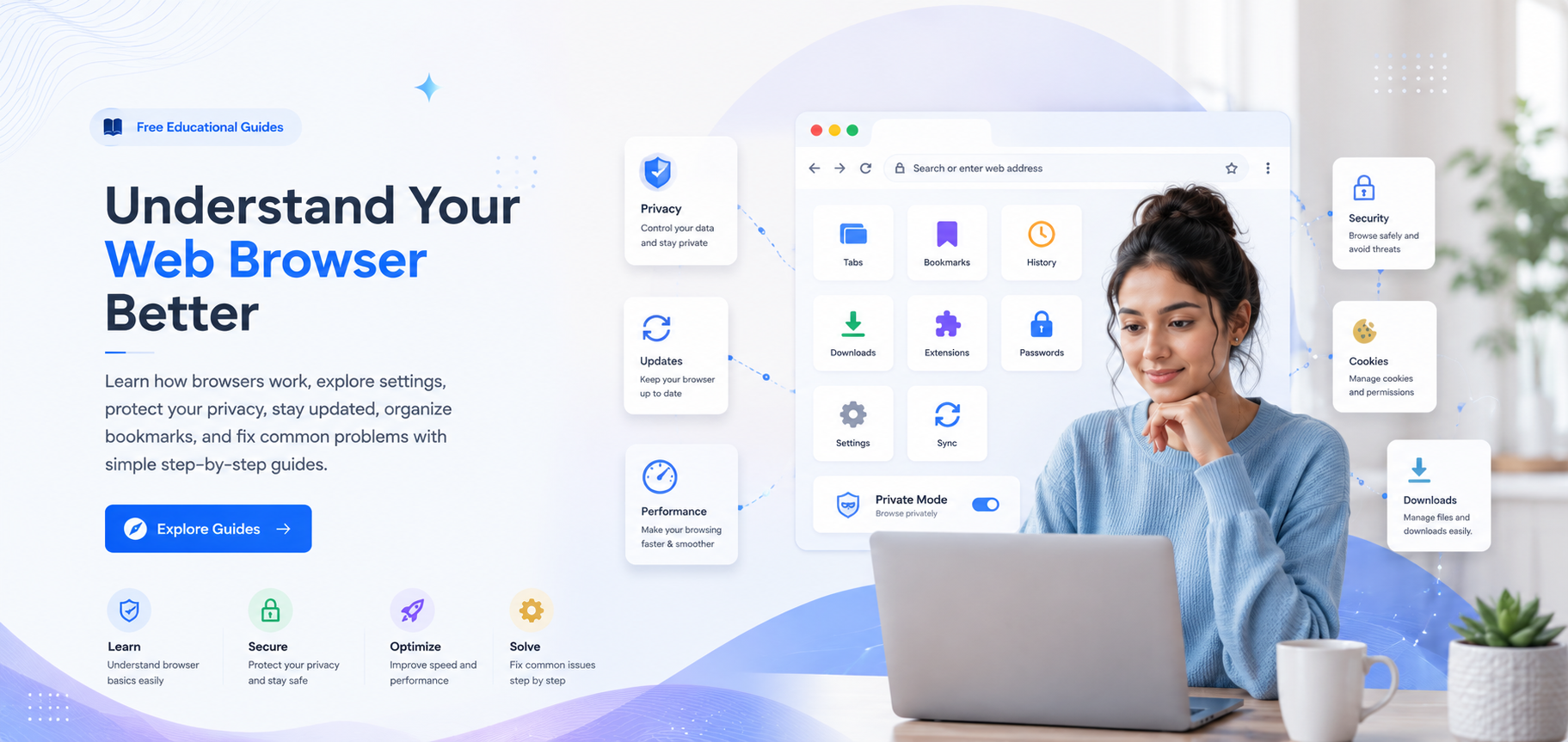
Follow our detailed configuration blueprints to properly configure, secure, and fix common software bugs inside your web browser.

Isolate & Debug Browser Issues

Need to setup or repair?

Begin by setting up your browser basics, then learn standard ways to customize privacy settings, clean database caches, configure downloads, and fix persistent connection errors.

Fix Browser Issues Now
Beginner Friendly
Learn browser topics safely
Tabs
Bookmarks
History
Downloads
Privacy
Cookies
Settings
Performance

Educational Content

General browser learning without brand-specific promotion.

Simple Explanations

Clear guides designed for beginner and everyday users.

Independent Guides

Generic guidance with no browser company affiliation.

Browser Process Explained

What Happens After You Open a Website?

A browser completes several important steps before a website appears. This visual guide explains the process from entering an address to displaying the final page.

Simple Overview

Your browser works like a communication bridge.

It connects your device to website servers, receives information, understands different page files, and converts them into the webpage you see and use.

website.example
Browser and server communication
Step 01 User Action

You Enter a Web Address

The process begins when you type a website address or select a saved link inside your browser.

Step 02 Website Lookup

Browser Finds the Website

The browser identifies where the website is located by checking its domain and network information.

Step 03 Browser Request

A Request Is Sent

Your browser sends a secure request to the website server asking for the required page content.

Step 04 Server Response

The Server Responds

The website server returns the page files, including text, images, styles, and interactive elements.

Step 05 Page Rendering

The Page Is Displayed

The browser organizes the received files and displays the final webpage on your screen.

HTML

Page Structure

Organizes headings, paragraphs, buttons, forms, and other page elements.

CSS

Visual Appearance

Controls colors, fonts, spacing, layout, and responsive presentation.

JavaScript

Page Interaction

Adds menus, sliders, forms, animations, and other interactive behavior.

Why can some websites load slowly?

Loading speed may depend on your connection, the website server, page size, browser extensions, stored data, or background activity.

Learn the Full Process
Useful Browser Features

Explore the Tools Inside a Modern Browser

Modern browsers include tools for managing tabs, saving pages, handling downloads, protecting privacy, and keeping information available across different devices.

Learning Guide
Browser Settings
Privacy Basics
browserguidehub.com/learning/features
Browser Dashboard

Your Browser Tools

Access common browser controls from one simple view.

BG

Browser Activity

Example browser usage overview

Active
Open Tabs 6
Saved Bookmarks 24
Privacy Controls Reviewed

Browser layouts can look different, but most browsers provide similar tools for tabs, bookmarks, downloads, settings, and privacy.

Feature Library

Learn one browser feature at a time.

Select a feature to understand what it does, where it appears, and how it can help organize your browsing experience.

Tab Organization
Manage multiple open pages
Saved Websites
Keep useful pages organized
Privacy Controls
Review website permissions
Custom Settings
Personalize browser behavior
Diagnostic Troubleshooting Library

Understand Common Browser Problems

Browser issues can happen for many reasons. Explore common situations and learn which settings, connections, website conditions, or browser features may be involved.

Browser Check

Start by understanding what may be affecting the browser.

A browser problem does not always come from one setting. Website status, internet connection, browser data, permissions, extensions, and device activity may all affect browsing.

Check browser activity
Diagnostic Overview

Review common browser factors

Connection

Check network

Stored Data

Review cache

Extensions

Review activity

Permissions

Check access

Browser review progress 4 areas

These guides provide general educational information. Browser menus and controls may appear differently depending on the browser and version being used.

Connection Factors

Network availability, DNS response, and website server status may affect page loading.

Browser Data

Cookies, cached files, saved sessions, and website data may influence browser behavior.

Browser Controls

Extensions, permissions, privacy controls, and performance settings can affect browsing activity.

Cannot find the browser topic you are looking for?

Explore the complete troubleshooting library for more educational guides about loading, login, downloads, settings, privacy, and browser performance.

Explore All Problems
Browser Insights & Trends

Latest Browser Articles & Insights

Explore educational articles about browser features, privacy, performance, stored data, extensions, website behavior, and modern browsing concepts.

Recently Published

More from the guide hub

How Browser Extensions Work
Features 4 min read

How Browser Extensions Work

Learn how extensions add browser features, request permissions, and interact with webpages.

July 16, 2026
Why Some Websites Load Slowly
Web Performance 8 min read

Why Some Websites Load Slowly

Understand how page size, connection speed, browser data, scripts, and website servers affect loading.

July 11, 2026

Explore more browser learning articles

Browse educational content covering privacy, settings, history, performance, browser features, website behavior, and internet basics.

View All Articles